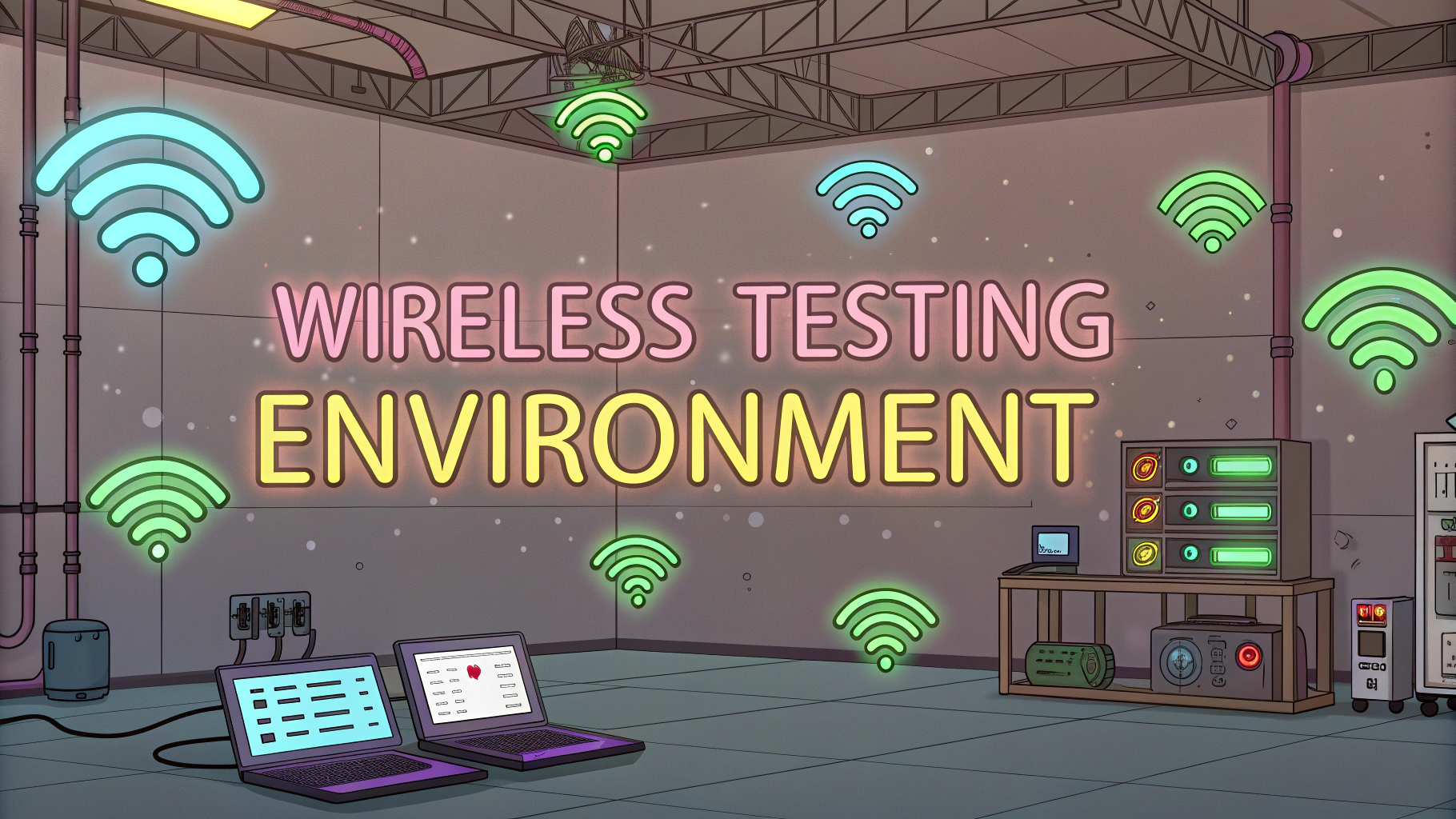
Wireless Testing Environment
A wireless testing environment sets up controlled conditions to evaluate wireless network security, performance, and vulnerabilities. Security profess
Wireless Testing Environment

A wireless testing environment sets up controlled conditions to evaluate wireless network security, performance, and vulnerabilities.
Security professionals use these environments to simulate real-world scenarios and conduct penetration testing without impacting production networks.
This guide covers essential tools, techniques, and best practices for creating an effective wireless testing lab.
Essential Equipment for Wireless Testing
- Wireless Network Adapters: Alfa AWUS036ACH, TP-Link TL-WN722N
- Access Points: Multiple APs supporting different protocols
- Test Client Devices: Laptops, smartphones, IoT devices
- Network Monitoring Tools: Wireshark, Kismet
Setting Up Your Lab Environment
Select an isolated space away from production networks to avoid interference with legitimate wireless traffic.
- Configure separate VLANs for testing networks
- Use RF shielding materials to contain wireless signals
- Document baseline configurations for consistent testing
- Maintain different wireless security configurations (WEP, WPA, WPA2, WPA3)
Testing Tools and Software
- Aircrack-ng Suite: Wireless network analysis and cracking
- Wireshark: Packet analysis and network monitoring
- Acrylic WiFi: Professional wireless network analysis
- Metasploit Framework: Exploitation testing
Common Testing Scenarios
- WPA/WPA2 password strength assessment
- Evil twin attack simulation
- Rogue access point detection
- Client-side attack testing
- Wireless signal coverage mapping
Safety and Legal Considerations
Always obtain written permission before conducting wireless security tests.
- Document test scope and objectives
- Keep testing confined to authorized networks
- Follow local regulations regarding wireless transmission
- Maintain detailed logs of all testing activities
Performance Testing Guidelines
- Measure throughput under various conditions
- Test signal strength and coverage areas
- Evaluate roaming capabilities
- Check interference impacts
Next Steps for Your Testing Lab
Start with basic configurations and gradually expand capabilities based on testing needs.
- Regularly update testing tools and software
- Document findings and maintain test case libraries
- Join wireless security communities for latest techniques
- Consider professional certifications like CEH or OSWP
Contact your local cybersecurity authority or FCC Wireless Telecommunications Bureau for specific regulations in your area.
Testing Documentation and Reporting
Maintaining comprehensive documentation throughout wireless testing is crucial for tracking results and improvements.
- Create standardized testing templates
- Include screenshots and packet captures
- Document environmental conditions
- Track changes and modifications
Advanced Testing Techniques
Protocol Analysis
- Deep packet inspection
- Authentication flow analysis
- Encryption implementation testing
- Handshake capture and analysis
Client Device Testing
- Mobile device security assessment
- IoT device vulnerability scanning
- BYOD policy validation
- Connection handling stress tests
Automation and Continuous Testing
Implement automated testing procedures for consistent and repeatable results.
- Scripted security checks
- Scheduled performance monitoring
- Automated reporting systems
- Continuous vulnerability scanning
Building a Secure Wireless Future
A well-maintained wireless testing environment is essential for modern network security.
- Stay current with wireless security standards
- Collaborate with security researchers
- Share findings responsibly
- Contribute to wireless security best practices
- Prepare for emerging wireless technologies
FAQs
- What is wireless penetration testing?
Wireless penetration testing is a security assessment that identifies vulnerabilities in wireless network implementations, including Wi-Fi networks, Bluetooth devices, and other wireless protocols. - What tools are commonly used for wireless penetration testing?
Common tools include Aircrack-ng suite, Wireshark, Kismet, WiFite, Acrylic WiFi, hcxdumptool, and specialized wireless network adapters supporting monitor mode and packet injection. - What are the key components needed for a wireless testing environment?
Essential components include a wireless network adapter with monitor mode capability, a testing machine running Linux (preferably Kali Linux), target access points, and proper authorization documentation. - What wireless encryption protocols can be tested?
Testers can assess WEP, WPA, WPA2, and WPA3 encryption protocols, with each requiring different testing methodologies and tools based on their security mechanisms. - How do you ensure legal compliance during wireless testing?
Obtain written permission from the network owner, conduct testing within scope boundaries, avoid disrupting production networks, and maintain detailed documentation of all testing activities. - What are common wireless network vulnerabilities discovered during testing?
Common vulnerabilities include weak passwords, WPS vulnerabilities, rogue access points, misconfigured access points, unencrypted networks, and evil twin attack susceptibility. - How can you detect rogue access points during testing?
Use tools like Kismet or Airodump-ng to scan for unauthorized access points, analyze beacon frames, compare MAC addresses with authorized list, and monitor for suspicious network behavior. - What safety measures should be implemented in a wireless testing environment?
Isolate testing networks from production environments, use dedicated testing equipment, maintain proper documentation, monitor for interference, and implement proper access controls. - How do you test for WPA3 vulnerabilities?
Test for Dragonblood vulnerabilities, downgrade attacks, side-channel attacks, and implementation flaws using specialized tools like Hashcat and dedicated WPA3 testing frameworks. - What are the best practices for documenting wireless penetration tests?
Document all discovered access points, captured handshakes, successful exploit attempts, network configurations, testing methodologies used, and provide detailed remediation recommendations.

Author: Editor

February 6, 2025
Related Posts
Tool Documentation Standards
documentation standards
Documentation standards ensure consistency, clarity, and effectiveness when recording findings during penetration testing engagements. Proper documentation helps security teams track vulnerabilities, communicate issues to stakeholders, and maintain an audit trail ... Read more
Testing Tool Integration
tool integration
Testing tool integration is a critical aspect of cybersecurity assessment that combines various security testing tools to create a more robust and comprehensive penetration testing workflow. Security professionals need efficient ... Read more
Automation Framework Design

automation framework
An automation framework streamlines and standardizes penetration testing processes, making security assessments more efficient and repeatable. Properly designed frameworks reduce manual effort while maintaining testing quality and consistency across different ... Read more
Exploitation Tool Development

tool development
Penetration testing tools require careful development to effectively identify security vulnerabilities in systems and networks. Security professionals need specialized exploitation tools that can safely simulate real-world attacks without causing damage. ... Read more
Security Tool Architecture
tool architecture
Security tool architecture forms the backbone of effective penetration testing, enabling security professionals to systematically probe systems for vulnerabilities. A well-structured security testing toolkit combines reconnaissance tools, vulnerability scanners, exploitation ... Read more
Build Server Security

build security
Security testing of build servers protects the foundation of software development and deployment processes from potential threats and vulnerabilities. Build servers handle sensitive data, access credentials, and control deployment pipelines, ... Read more
Secret Management

secrets management
Secret management stands as a cornerstone of cybersecurity, particularly during penetration testing operations where handling sensitive data requires meticulous care and precision. Penetration testers must safeguard various types of secrets ... Read more
Deployment Security

deployment security
Penetration testing during deployment phases helps organizations identify security vulnerabilities before applications go live. Security teams use automated and manual testing methods to simulate real-world attacks against newly deployed systems ... Read more